

You can download ready-to-use Extrudr material profiles for Bambu Lab, Prusa, and Ultimaker printers directly from our Material Profiles page.
Importing Material Profiles in Bambu Studio
1. Open your Bambu Lab Slicer.
Select: File → Import → Import Configurations
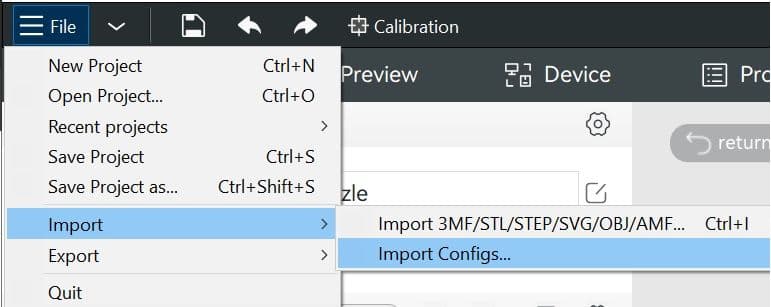
2. Select the relevant file or files.
You can easily import more than one file at a time.
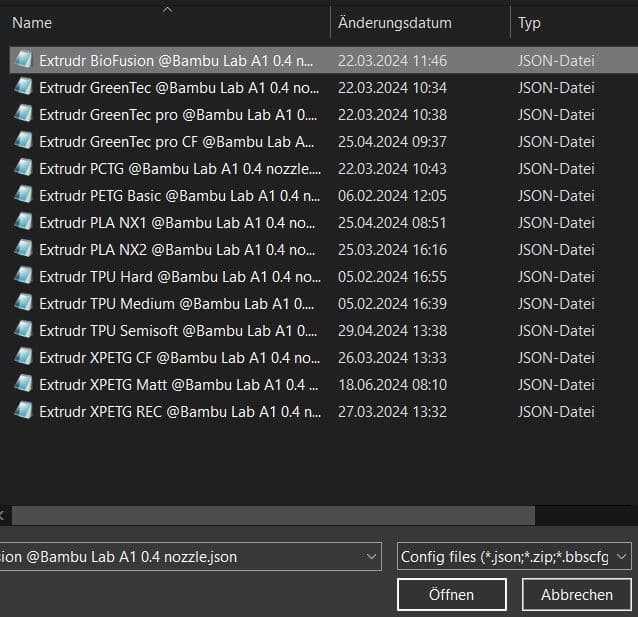
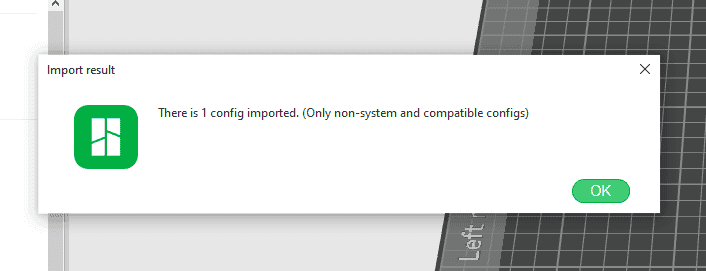
3. A pop-up message will appear—click “OK.”
This message always appears when loading a profile that does not originate from Bambu Lab into the slicer. The profile will then be saved under “Custom” in your user presets.
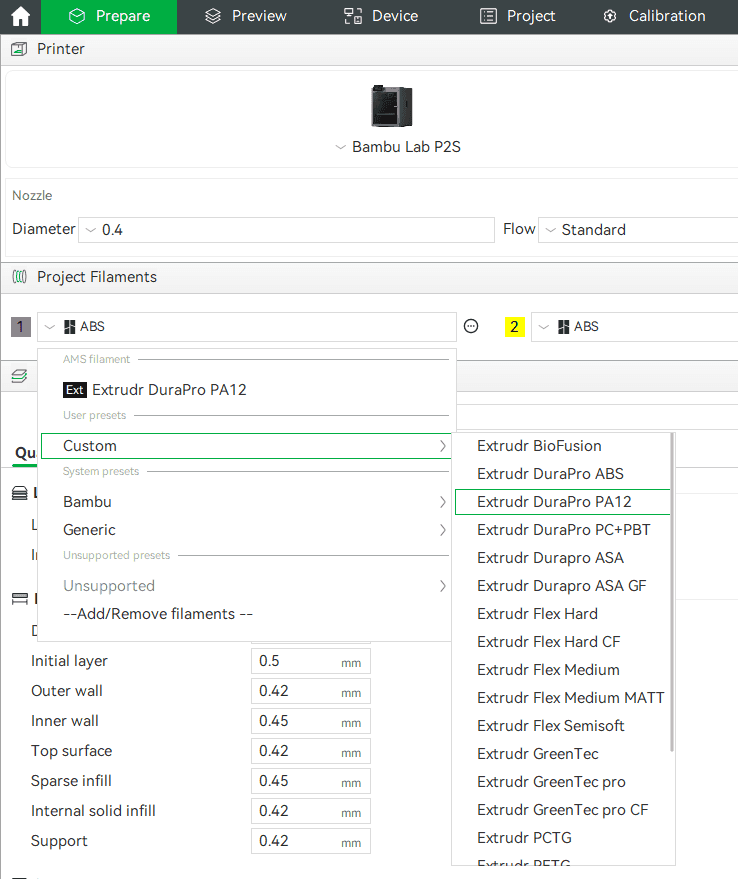
4. The profile is ready to be used.
You can find it under Project Filaments → Custom
EXTRA TIP:
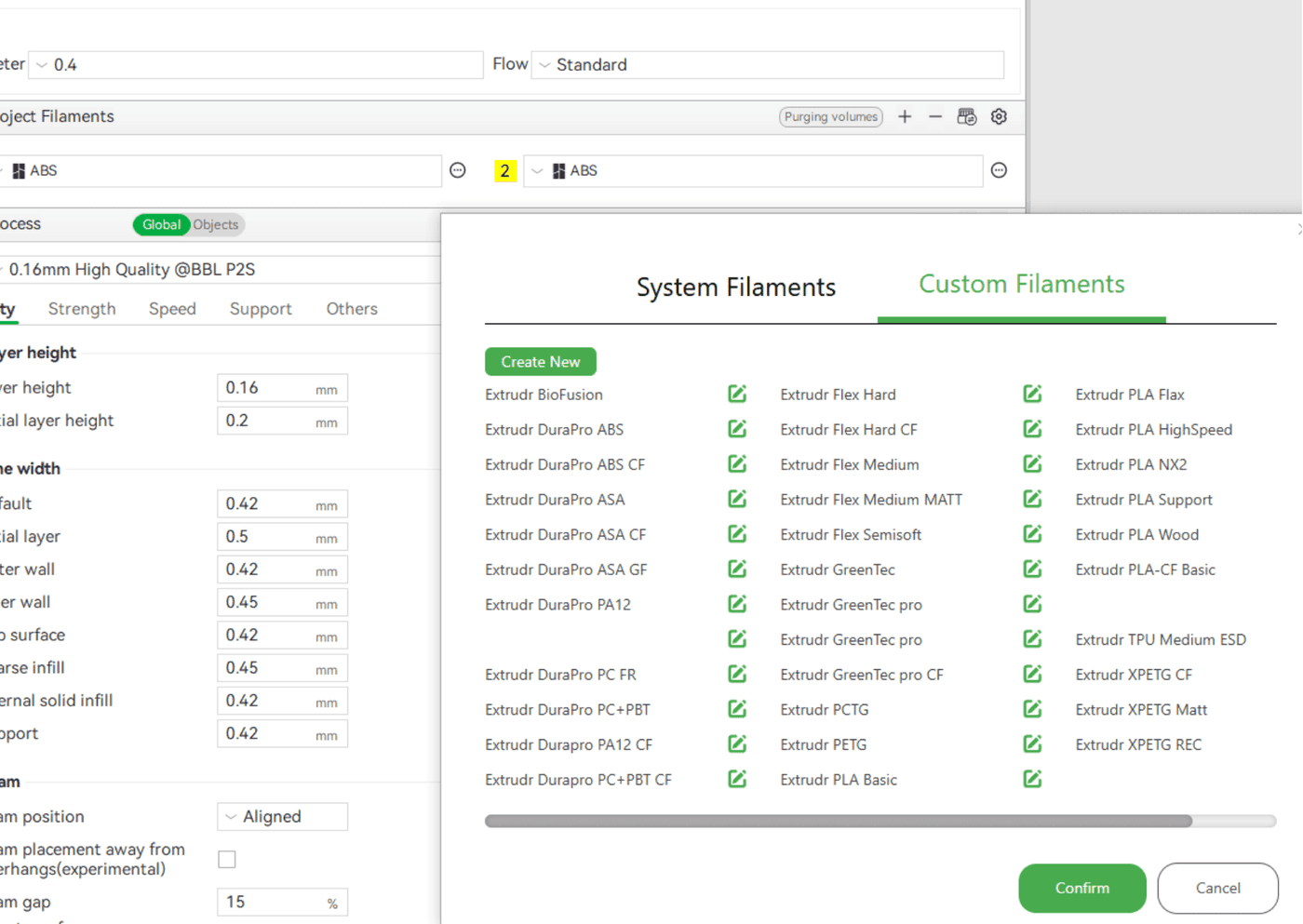
How do I see all the filaments I have imported at a glance?
Click "Settings"-icon from Project Filaments and select Custom Filaments.
By clicking the pen icon, you can view all filament presets for the selected filament and edit or delete them as needed.
Have a great time printing!