
When a new filament is delivered, it is important to first work through a short checklist before it is used. Many printing problems can be fixed or not even occur if the filament is tested first and the proper settings are made.
Check packaging and avoid moisture
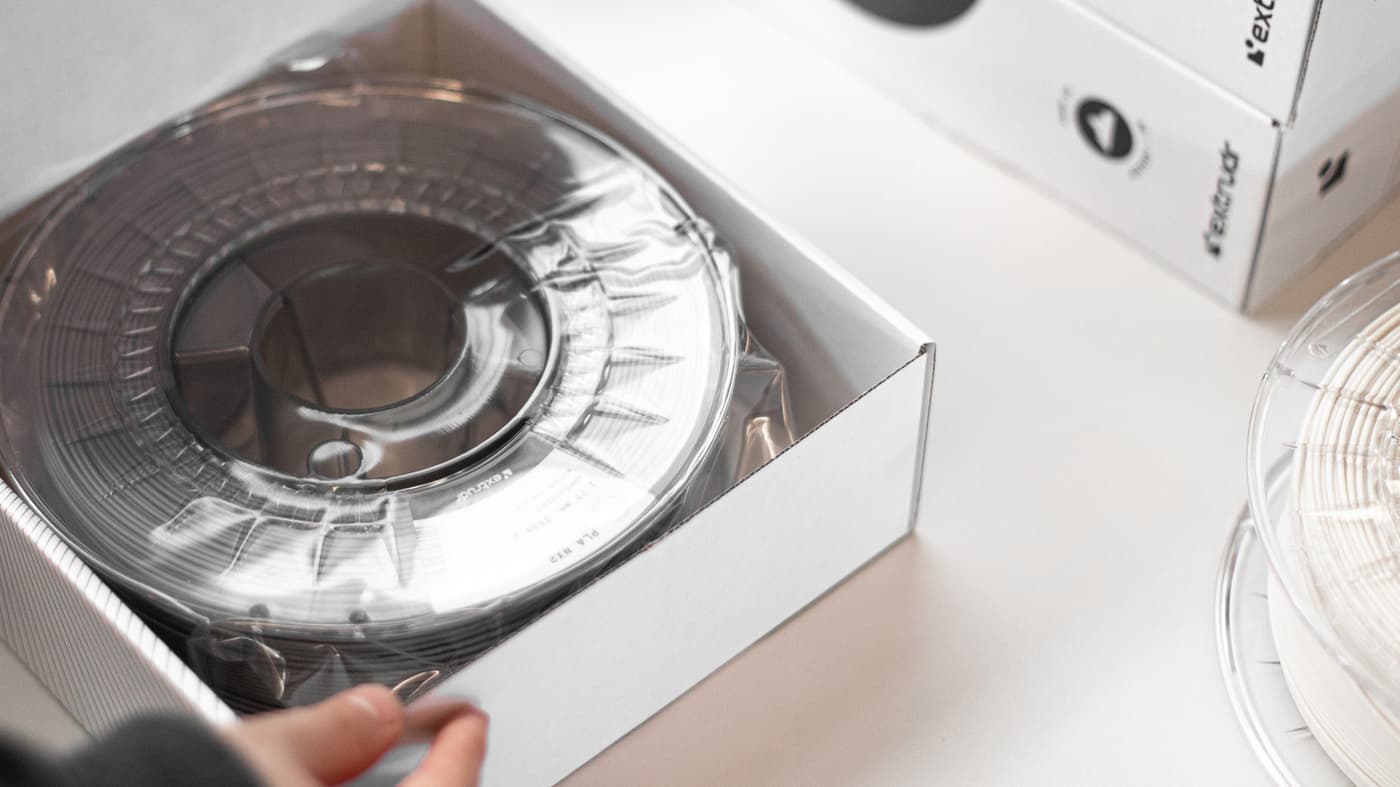
When opening the filament for the first time, it is possible to check if the cardboard packaging and the vacuum bag are undamaged. The vacuum bag and the supplied bag with silica gel ensure a dry filament, even if the packaging is damaged.
Basically, there are materials (ABS, ASA, PETG, TPU) that are more susceptible to moisture than others because they have hygroscopic properties. These hygroscopic plastics absorb moisture at the molecular level. To ensure that the material does not have moisture, a dry box can be used.
For more on proper storage and avoiding moisture in filament, check out our blog post "Storing 3D printing filament correctly”.
Observe manufacturer's specifications
After the obvious checks, the manufacturer's specifications should not be disregarded. Data sheets (found for each filament on our website) include recommended print settings, material properties, and storage and shelf life information.
In addition, the label on the extrudr box also provides a summary of key information (temperature, hotbed, speed and density). This information is a good starting point for the first print with new filament.
For certain printer models or slicers, there are pre-made material profiles on our website that already adopt our manufacturer specifications and no manual input of print settings is required.
Check temperature
Manufacturers usually specify a temperature range (hotend temperature) for printing a filament. Even a small difference in temperature can have a considerable effect on the print result. However, it depends on the printer, filament, printing speed and desired print object which temperature is the most suitable.
Basically, the more detailed and filigree a print is, the more likely it is that a reduced temperature should be used. If the print object is stable, there is room for improvement in the temperature range.
Also to be considered is the temperature of the hotbed. The most important rule is that the temperature of the hotbed and the glass transition temperature (point at which the material becomes deformable) should be approximately the same.
| Filament | Hotend | Print Bed |
| BioFusion | 210-220 °C | 20-60 °C |
| DuraPro ASA | 215-240 °C | 100-110 °C |
| DuraPro ABS | 210-240 °C | 100-110 °C |
| GreenTec Pro | 210-230 °C | 20-90 °C |
| GreenTec | 200-230 °C | 20-90 °C |
| PCTG | 250-270 °C | 90-110 °C |
| PETG | 210-230 °C | 60-70 °C |
| XPETG Matt | 220-230 °C | 60-70 °C |
| PLA NX1 und PLA NX2 | 200-230 °C | 20-60 °C |
| FLEX Hard | 230-260 °C | 50-60 °C |
| FLEX Medium | 230-250 °C | 50-60 °C |
| FLEX Semisoft | 220-250 °C | 50-60 °C |
Fluctuations in ambient temperature and humidity in the room can greatly affect the printing result and the printing itself. A constant room temperature around 20 °C with a humidity between 40 and 60% is recommended.
Temp-Tower to find out the right temperature
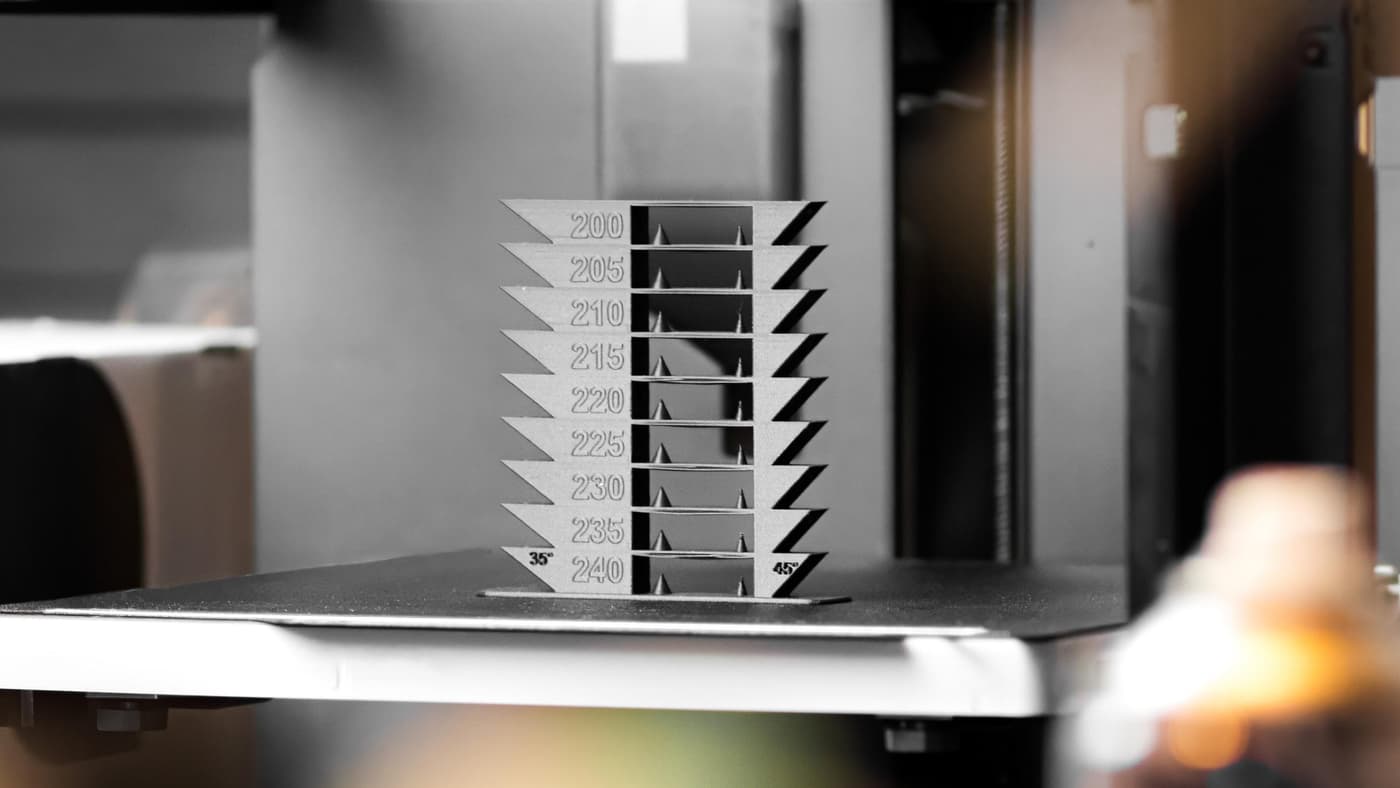
To find out the right temperature for a filament, skilled printing professionals use a so-called "Temp-Tower". This print object tests the structure of the filament, because the temperature is changed at each "floor" of the tower during the printing process. By entering the command "M104 SXXX" (XXX stands for temperature) at the right places in the GCode, you can build a Temp-Tower yourself (example Thingiverse: 2493504 or 2729076).
The Temp-Tower gives information about the behavior of the filament at different printing temperatures. This allows you to test at which temperature the best results can be achieved with the respective filament.
In summary
When a new filament is used, adjustments should be made before printing and manufacturer specifications (data sheets) should be taken into account. This is the only way to achieve an optimal printing result and avoid misprints.
Nevertheless, it happens that due to various factors (maintenance status of the printer, contamination of the nozzle, fluctuating room temperature and change of humidity) the print can be unsuccessful. If you have any questions or problems after making a Temp-Tower and further tests, our support team will be happy to help you (support@extrudr.com).